
★ 4.7·1K+ ratings · iOS & Android
AI paint job preview
Car Color Changer: Preview Your Dream Paint Job
Save thousands by previewing before you commit
or open the editor without a photo →
35 finishes · AI-powered · Easy to try
The brief
AI paint job preview
A professional paint job costs $3,000 to $10,000 and choosing the wrong color means living with regret or paying to redo it. Car Editor's AI preview eliminates that risk - upload a photo of your car, pick any color from premium presets or type your own, and see a photorealistic result in seconds. The AI preserves your car's reflections, body lines, and lighting so you know exactly what you're getting.
Whether you're planning a full respray, comparing wraps vs paint, or just curious how your daily driver would look in matte black or Miami blue - try it from your laptop or phone instead of guessing from a swatch book at the shop.
The whole point
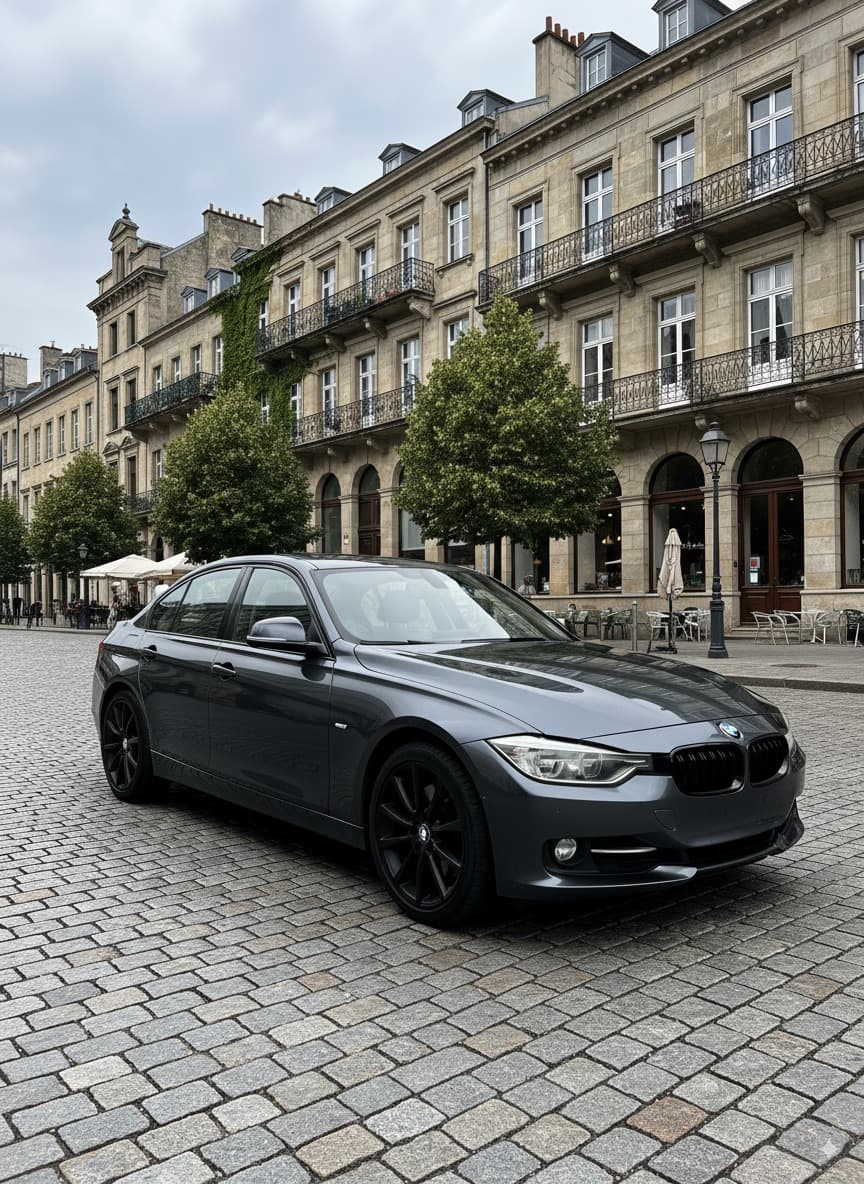
Drag to Compare: Stock vs AI Paint Job
Slide to see the AI-generated paint transformation in action
Drag to compare. Real AI output, no retouching.

From the community
What car owners say about AI paint job preview
“It was fun modifying my car, a fun and cool experience.”
“Wow, this is very cool, and the pictures are amazing.”
“Premium app for a reason. For a small fee, you can do pretty much anything. … Car Editor is by far the best premium app on the market.”
The catalog
Premium Paint Presets
Every finish is AI-rendered onto your actual car photo with realistic reflections, metallic flake, and lighting. Tap any color to preview it.

Pearl White

Stellar

Prism

Deep Gray

Taxi Yellow

Blaze

Volt

Abyss

Matte

Sakura

Champagne

Emerald

Candy Red

Miami Blue

Silver

Purple

Burgundy

Bronze

Turquoise

Army Green

Copper
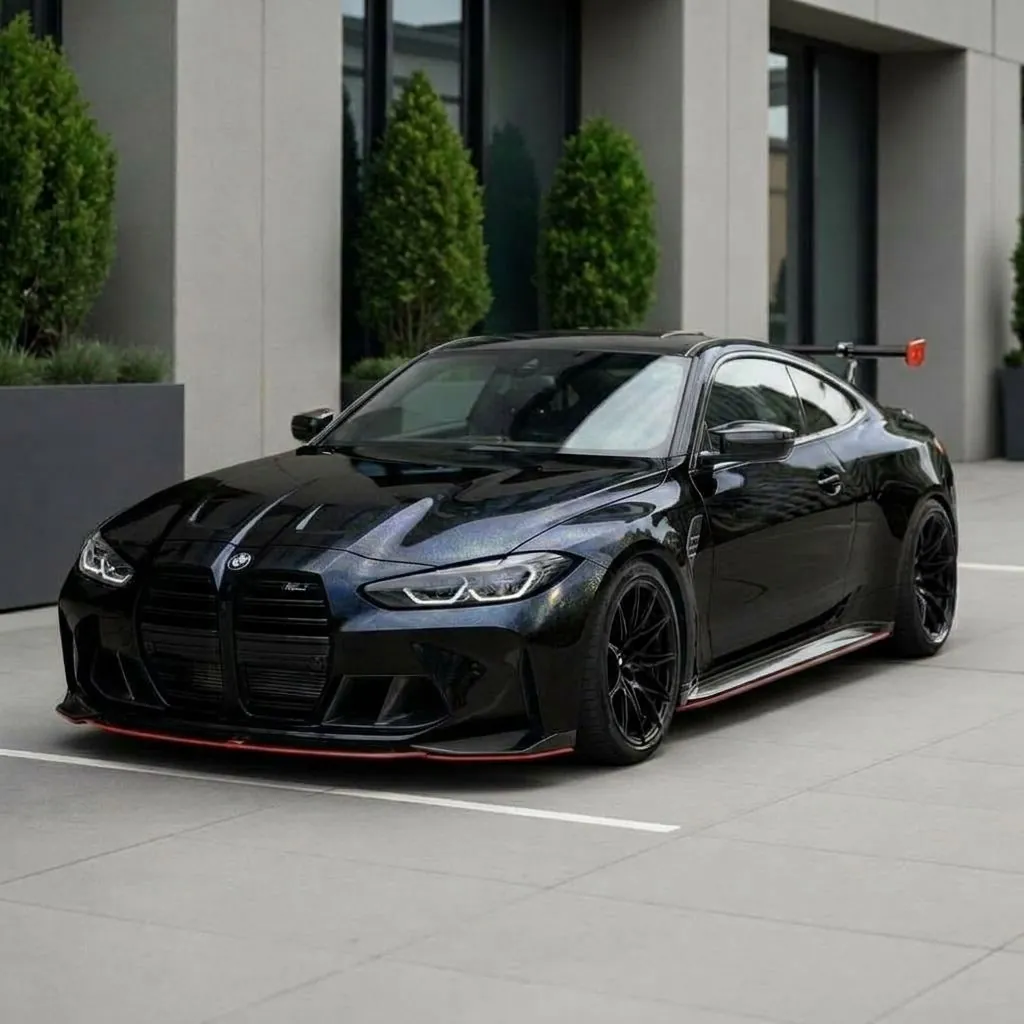
Black Pearl
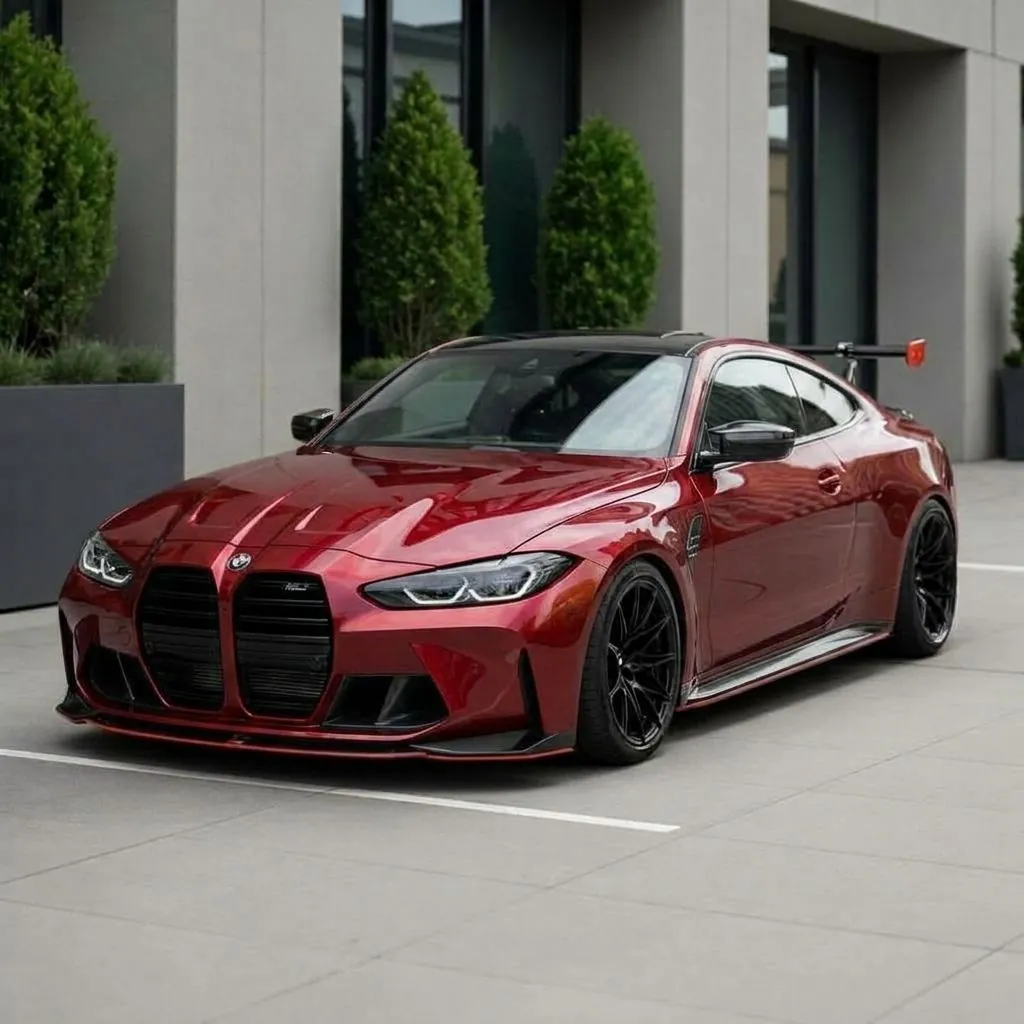
Red Pearl
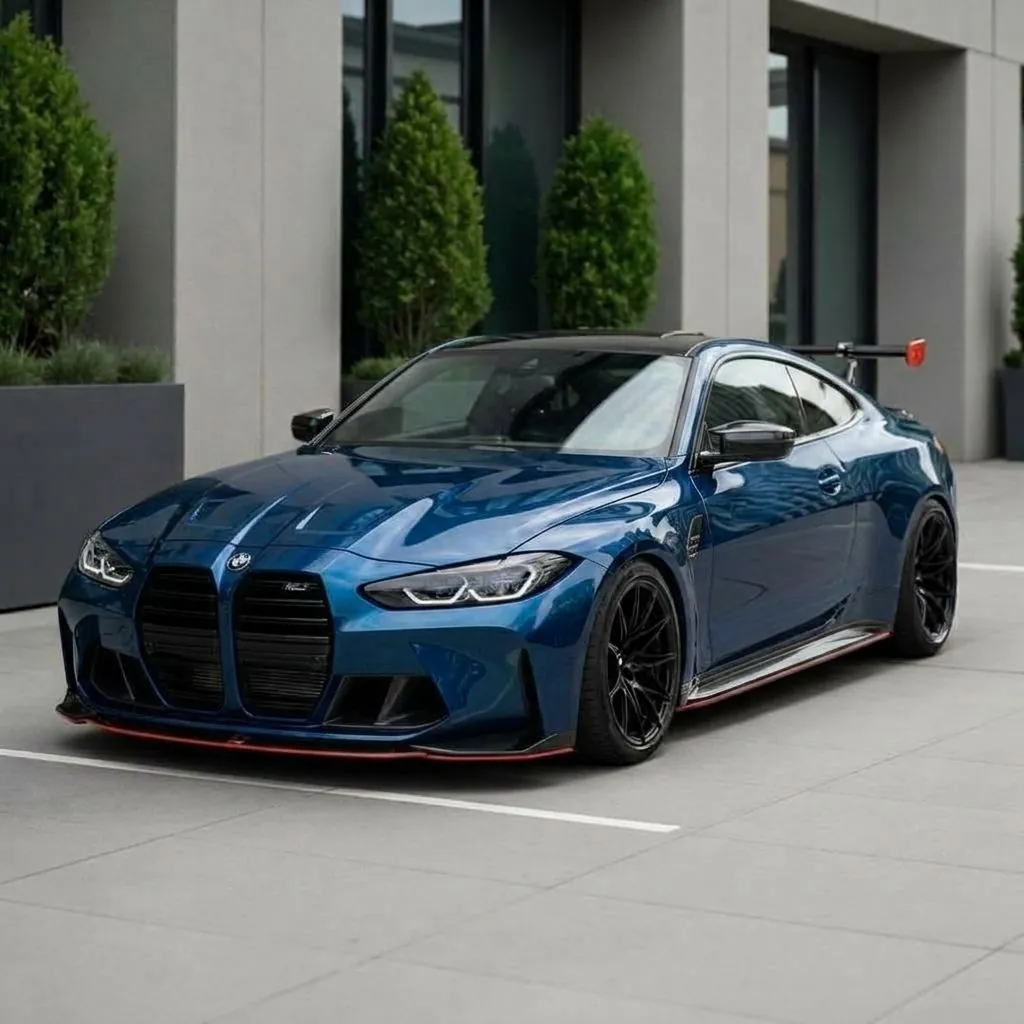
Blue Pearl
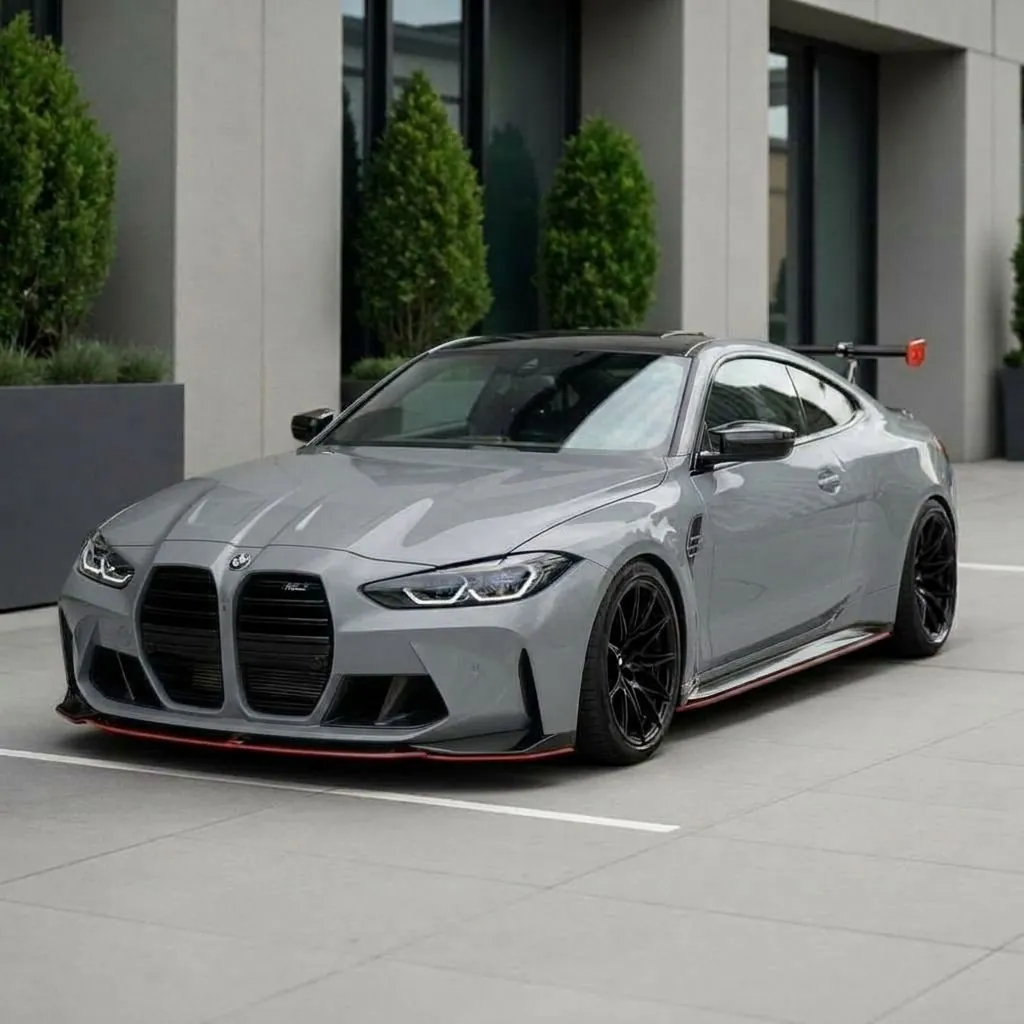
Nardo Gray
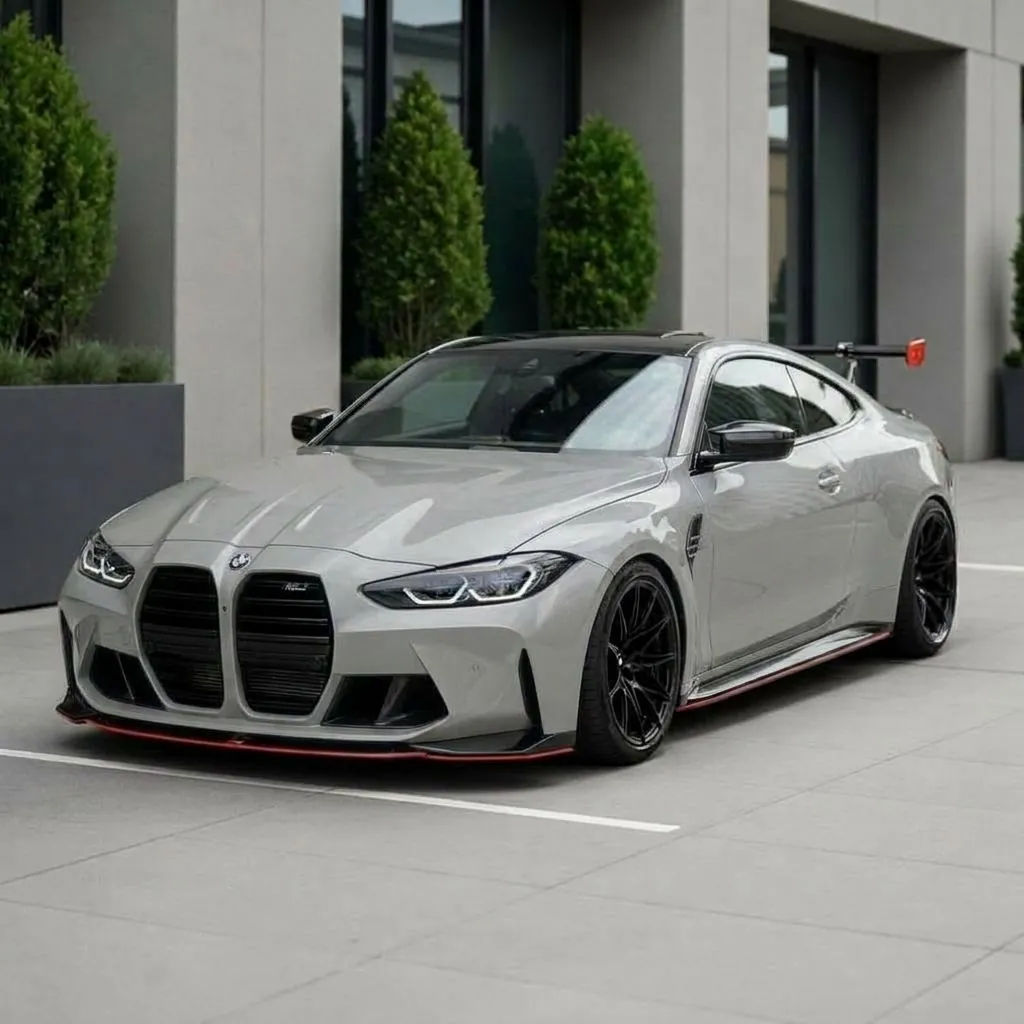
Cement Gray
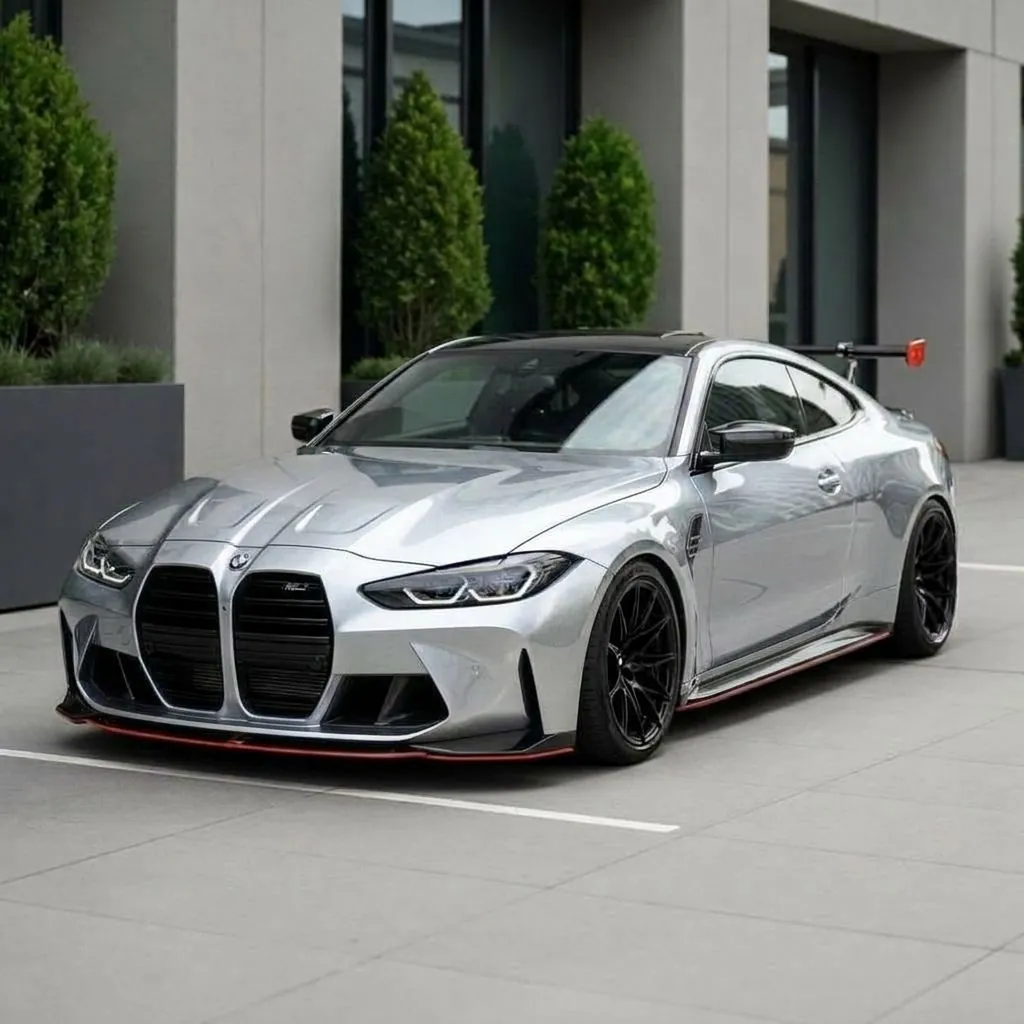
Liquid Silver
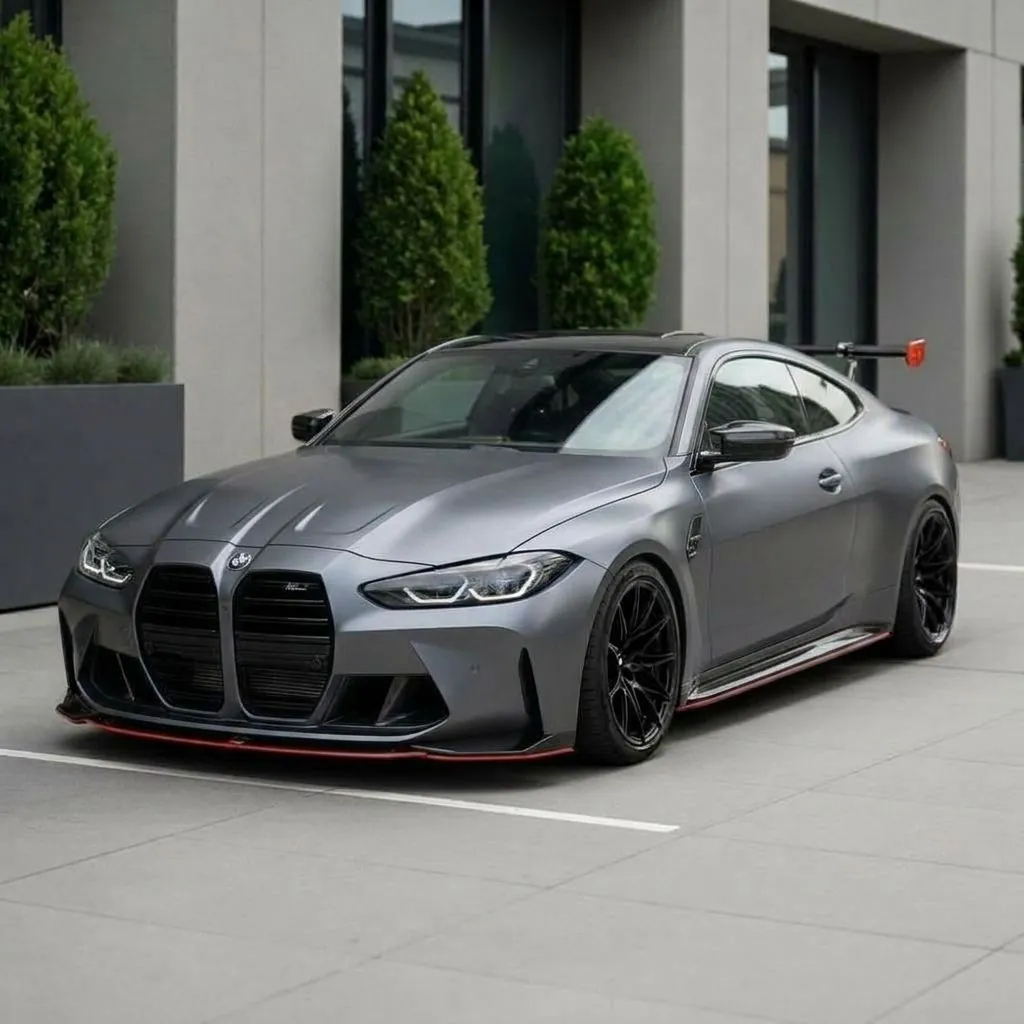
Battleship Gray
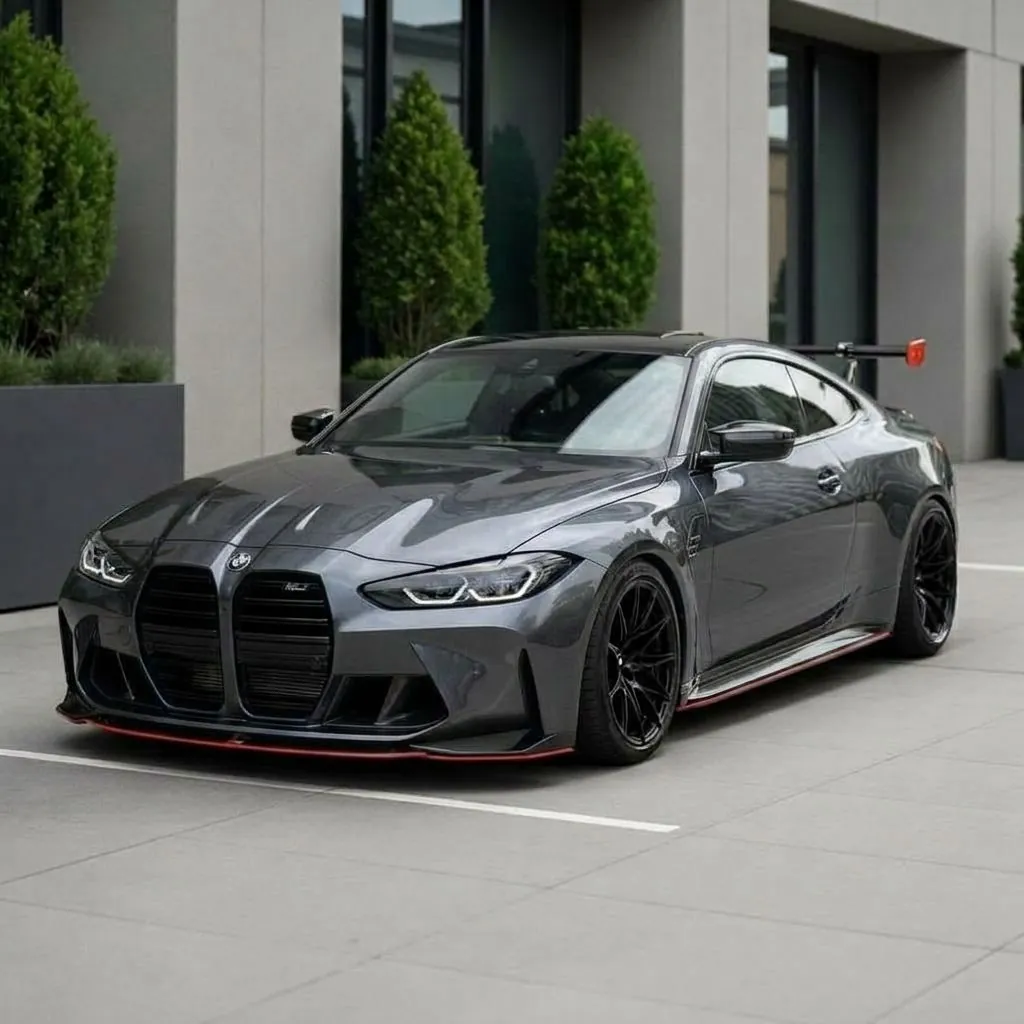
Daytona Gray
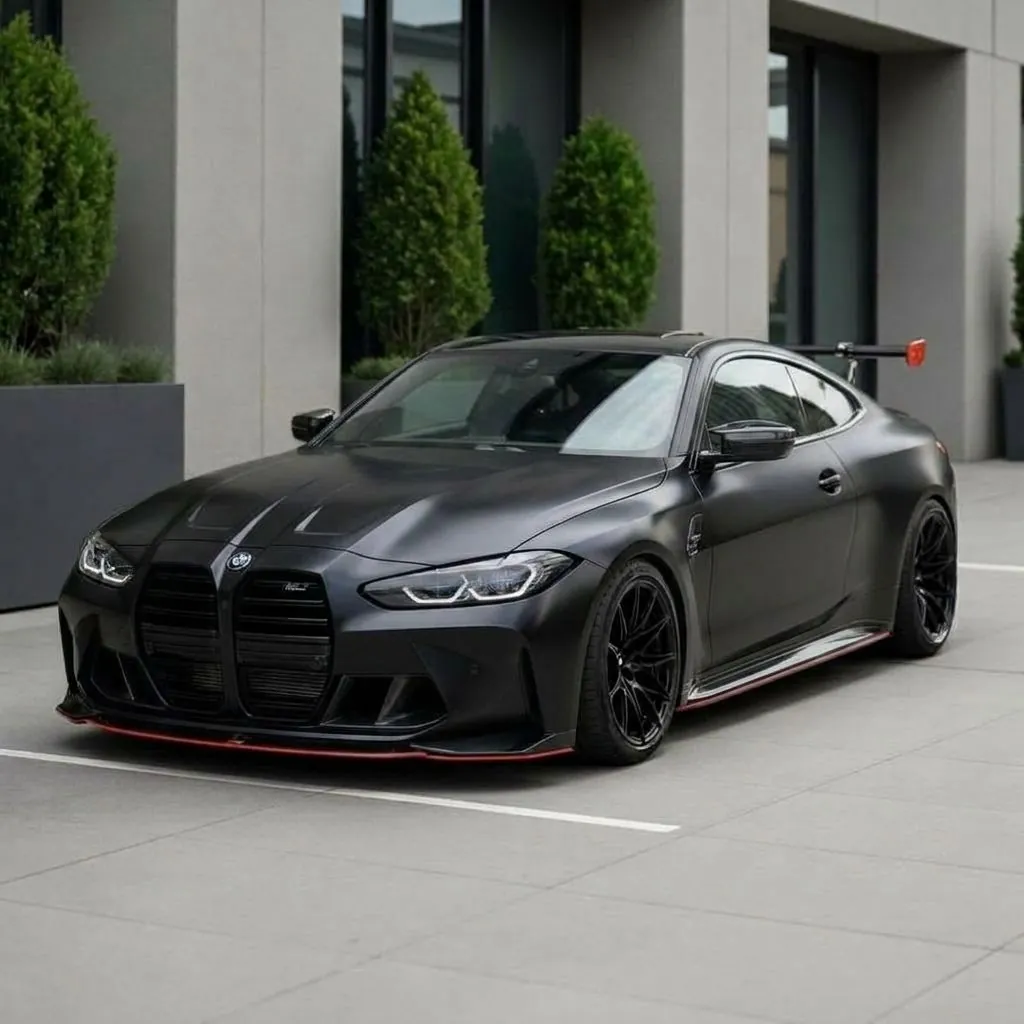
Satin Black
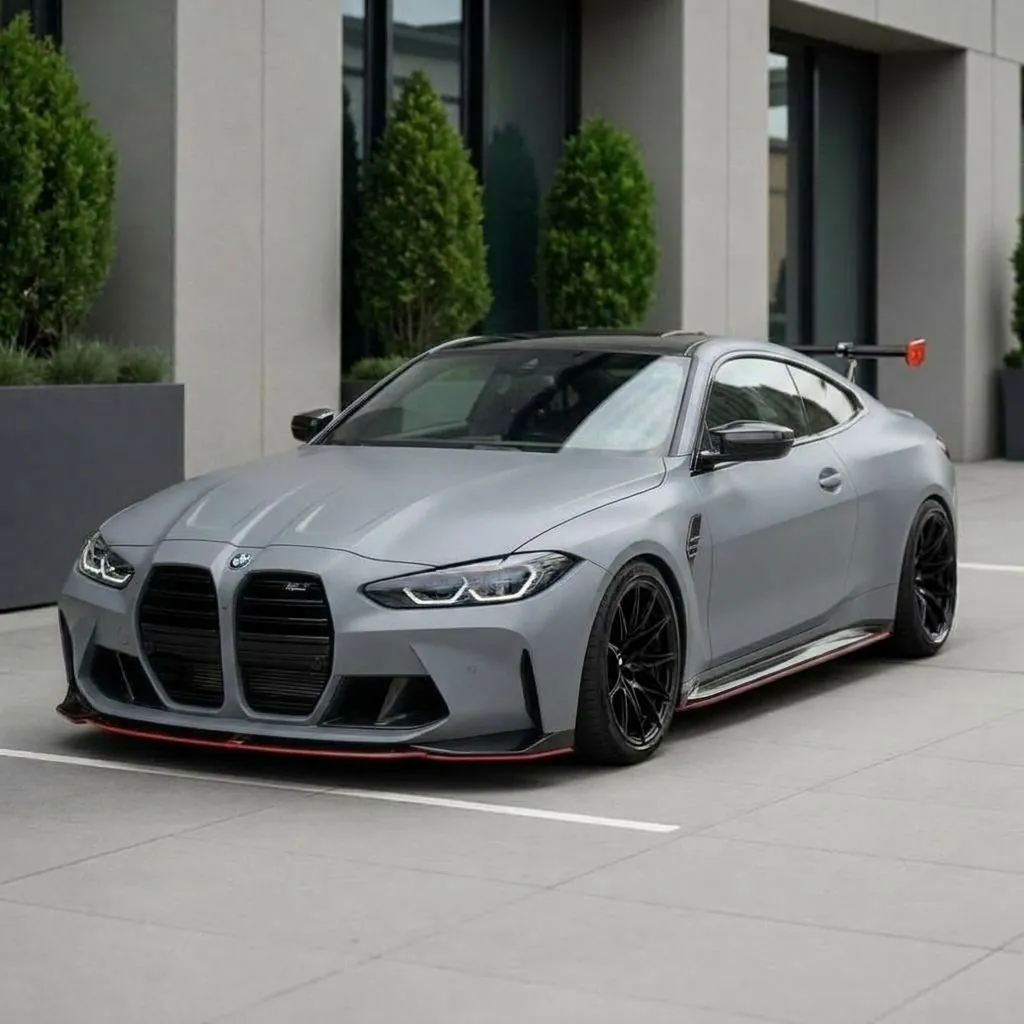
Matte Nardo
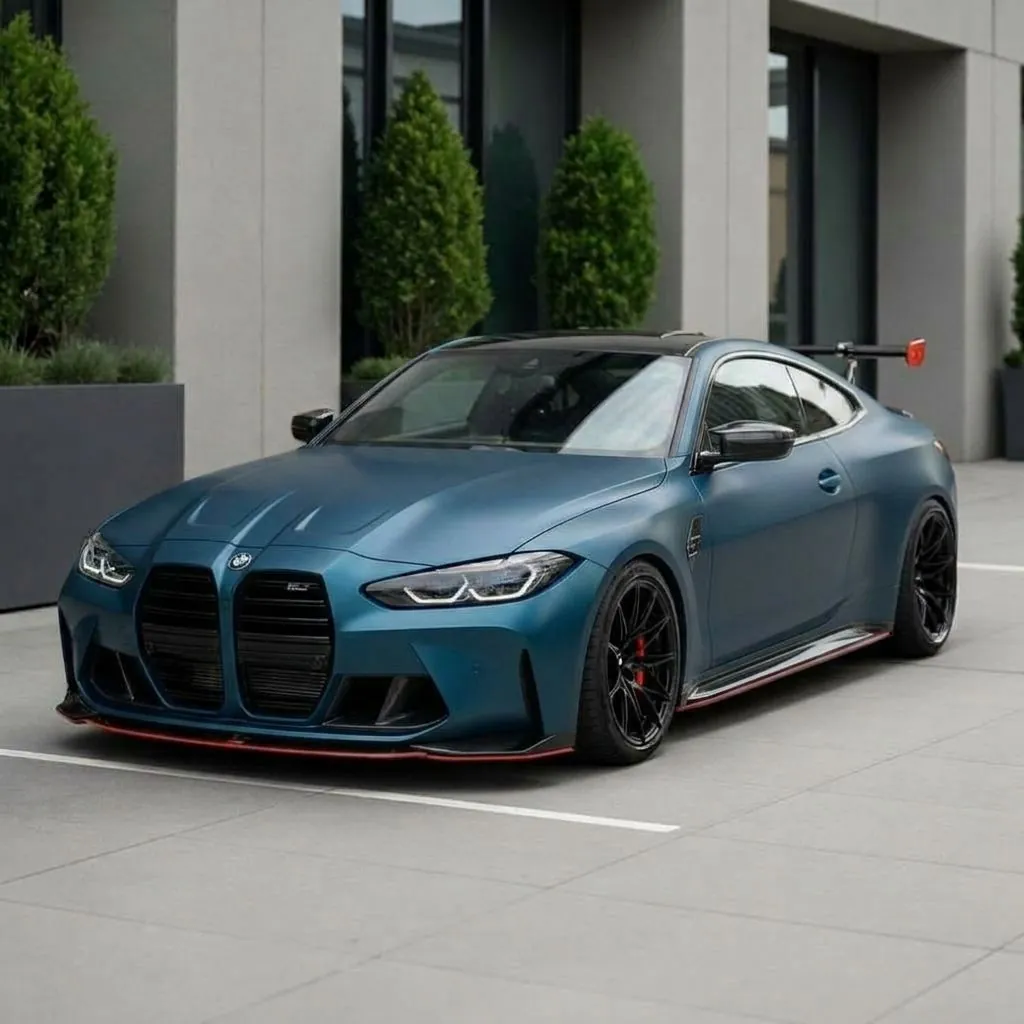
Matte Petrol
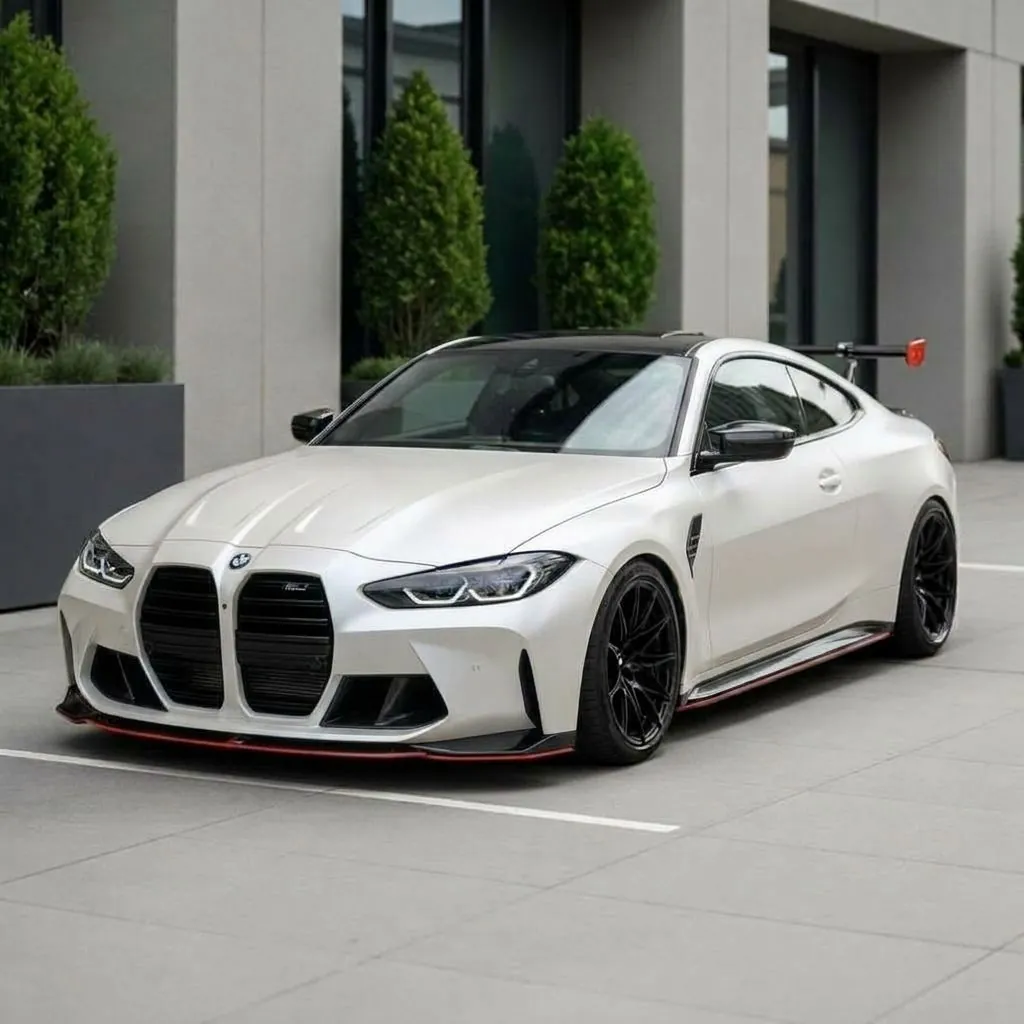
Satin Pearl
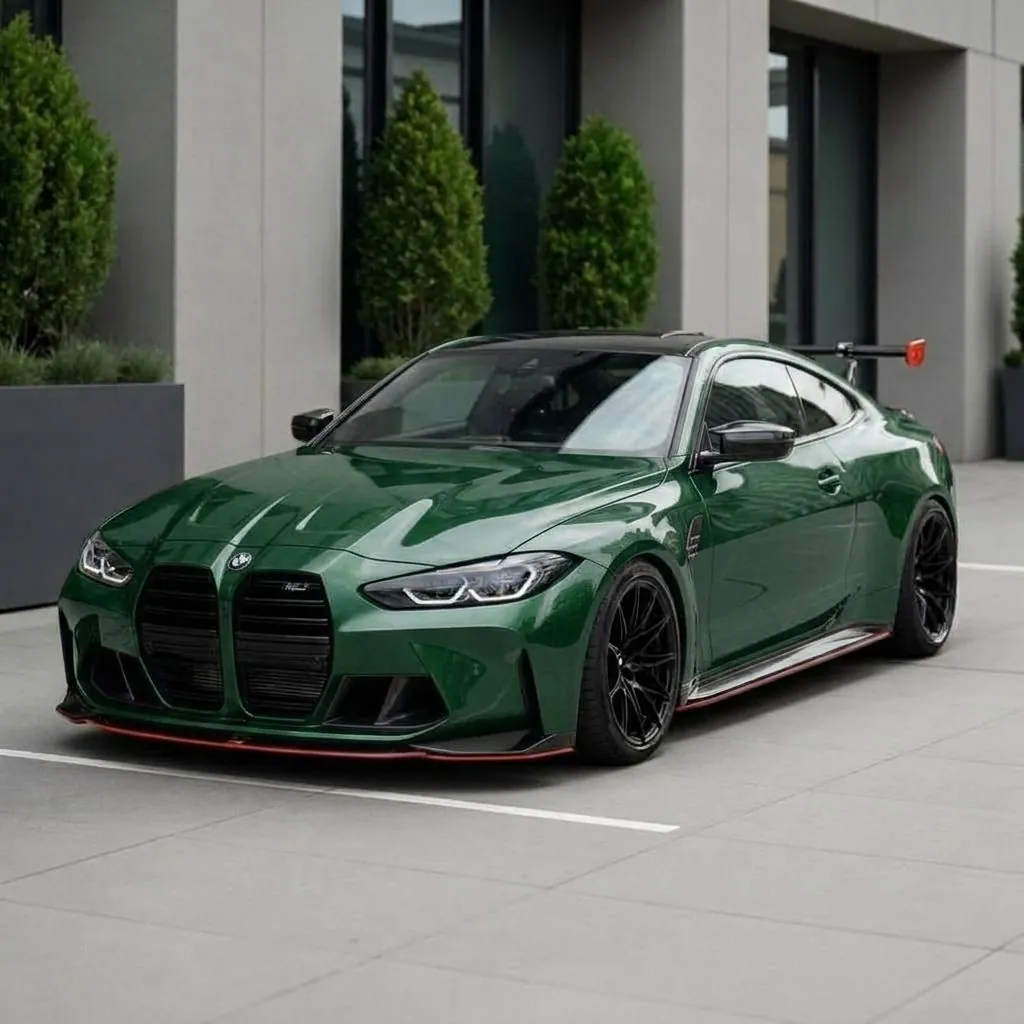
Racing Green
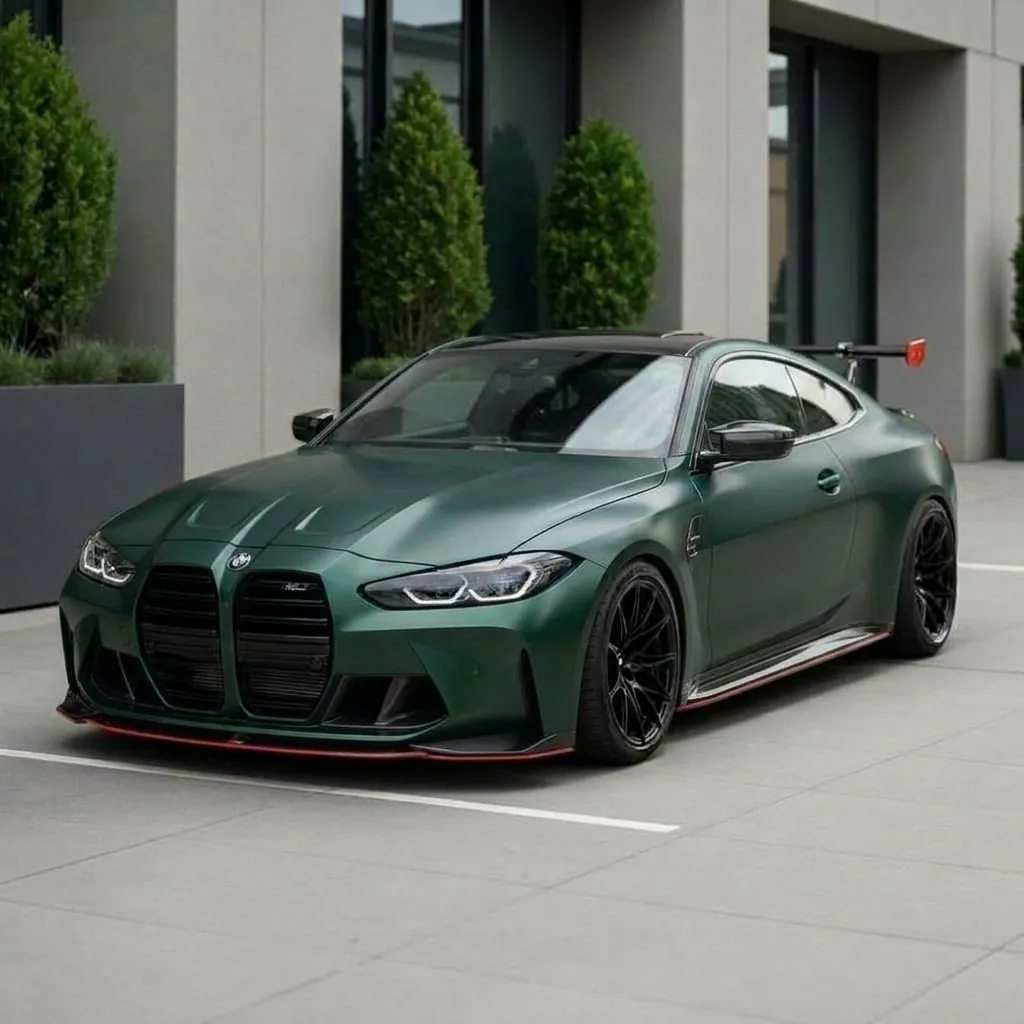
Frozen Green
Stop guessing. See it on your car.
Preview every mod on your exact vehicle before you spend a dollar.
How it works
Three steps to a preview.
Upload your car
Take or upload a photo of your car from any angle. Side and three-quarter views work best for realistic results.
Choose a mod
Pick from the catalog. Every option is tuned for photorealistic results on real cars.
Get AI results
Download your photorealistic preview. Compare options side by side before spending real money.
Pricing
Simple plans, no surprises.
Free to open and browse. Pick a plan when you're ready to generate on your own car. Cancel anytime.
For your own car
Then $19.99 a month30% off first month
100 renders a month
Commercial rights included
- All 198 mods and 10 AI styles
- Photoreal HD output
- Commercial usage rights
- Every render saved to your account
Cancel anytime · 14-day money-back guarantee if you haven't used your renders
For your own car
$143.91 the first year, then $191.8825% off first year
100 renders a month
1,200 renders, all up front
- All 198 mods and 10 AI styles
- Photoreal HD output
- Commercial usage rights
- Every render saved to your account
Cancel anytime · 14-day money-back guarantee if you haven't used your renders
Wrap shops, dealers, sellers
Then $69.99 a month50% off first month
400 renders a month
Commercial rights included
- Everything in Pro
- 4x the renders of Pro
- Commercial usage rights
- Every render saved to your account
Cancel anytime · 14-day money-back guarantee if you haven't used your renders
Good to know
Car Color Changer and Paint Simulator, Online
To see your car in a new color, upload a photo of it, pick a shade or type one, and the AI repaints the body in about a minute. It runs in the browser on a laptop or phone, so it works as a car color simulator online with nothing to install, and the same editor is in the iOS and Android apps.
A car color changer is only useful if the result still looks like your car. Car Editor keeps the wheels, glass, trim, background and lighting from your photo and changes only the paint, with gloss, matte, satin, pearl and metallic finishes. That is the difference from a color change simulator that tints the whole picture or swaps your car for a 3D model.
Good to know
How Much Does a Car Paint Job Cost Without Previewing?
A professional paint job costs anywhere from $3,000 to $10,000 depending on the finish and body shop. Choosing the wrong color means living with regret or paying again to redo it. Car Editor's AI paint preview eliminates that risk entirely by showing you exactly how each finish looks on your specific vehicle, accounting for body lines, panel curves, and ambient lighting.
Unlike generic color swatches or showroom samples that never match real-world conditions, our AI renders paint directly onto your car photo. You see how pearl white catches light across your hood, how matte black absorbs reflections along your fenders, or how candy red pops against your current trim. The result is a realistic preview that helps you decide with confidence.
Whether you are planning a full respray, exploring wraps as a cheaper alternative, or simply curious how your daily driver would look in a bold new color, the AI paint preview tool gives you a fast, free way to experiment. Share your favorites with friends or take them to your body shop as a reference for exactly the look you want.
Good to know
A Car Color Change App That Works on Your Real Photos
Most car color change apps make you pick a generic 3D model that looks nothing like your actual vehicle. Car Editor works the other way around: you photograph your own car and the AI changes its color in place, keeping your wheels, trim, background, and lighting exactly as they are. The result is a photo of your car in the new color, not a render of someone else's.
That makes it equally useful as a car painting app for planning a respray, a virtual way to paint your car before buying materials, and a quick tool for content creators who want the same car in five colors for a single post. Every preview keeps the original photo untouched, so you can generate as many color variants as you like and compare them side by side.
It also handles the details that simple recolor filters miss: two-tone setups, satin and matte finishes, metallic flake, and factory-accurate shades. If you already looked up your exact factory shade with our paint code finder, you can type that color name into the editor and see it on your car before a single panel gets sprayed.
Every model
Paint previews by make and model.
98 models across 13 makes, each with its own color gallery, and factory paint codes on the models we hold OEM data for. Pick your car and see the palette rendered on it.
Try it on your own car.
Upload your photo and see it transformed in about a minute. No installs, right in the browser.
Good to know
Frequently Asked Questions
How does AI paint job preview work?
Upload any photo of a car, select a paint color from our presets or type your own custom color, and the AI generates a photorealistic preview in seconds. The AI understands car geometry, reflections, body lines, and lighting conditions to produce results that look like a real paint job - not just a color overlay.
How accurate are the AI paint previews?
The AI preserves your car's original reflections, shadows, panel gaps, and environment. Metallic and pearlescent finishes show realistic flake and light behavior. Results are accurate enough that body shops and wrap installers use them as reference photos. For best results, use a clear, well-lit photo from a standard angle.
Can I preview any color or just the presets?
Both. We offer premium presets like pearl white, candy red, Miami blue, matte black, and more - but you can also type any custom color description. Want a specific Porsche color code or a custom pearlescent blend? Just describe it and the AI will generate it.
How much does the AI paint preview cost?
Car Editor requires a subscription. Weekly and yearly plans are available, with exact pricing shown in the app before you subscribe, and a subscription unlocks every AI mod including paint previews. You can try multiple colors on the same car to compare them side by side before committing to an expensive respray.
What car brands and models does it work with?
The AI works with any car regardless of make, model, or year. It's been used on everything from JDM classics to modern supercars, trucks, and SUVs. BMW, Mercedes, Porsche, Tesla, Ford, Toyota, Lamborghini, Ferrari - any car you can photograph, we can preview paint on.
Can I use the preview to show my body shop?
Absolutely. Many users download their AI previews and bring them to their body shop or wrap installer as a reference. The high-resolution output shows exactly the color and finish you want, making it much easier to communicate your vision than describing it verbally.
Is there a mobile app or is this web only?
Both. The web editor at car-editor.com/editor/ runs in any modern browser on desktop and mobile, and it includes the full AI paint preview toolkit. Car Editor is also available as a native app for iOS (iPhone and iPad) and Android.
Can I virtually change my car's color before painting it?
Yes. Car Editor is a car color change app that works on real photos: upload a picture of your own car, pick or describe any color, and the AI repaints it virtually while keeping your wheels, trim, and background untouched. You see the exact car you own in the new color before spending anything on paint or wrap material.
How is this different from Photoshop or a color overlay?
Unlike a simple color overlay, our AI understands 3D car surfaces. It renders paint that follows the curves of your car, preserves realistic reflections and specular highlights, handles shadows correctly, and produces metallic/matte/pearl finishes that look physically accurate. It's like having a professional automotive renderer, not a color filter.
Is there a car color changer I can use online?
Yes. Car Editor's car color changer runs in the browser at car-editor.com/editor/ on desktop and mobile, with no install. Upload a photo of your car, choose a preset or describe any color, and the AI repaints it in about a minute while keeping your wheels, trim and background as they are.
Keep exploring